Client
Record Screen : Live Recorder
Industry
Utilities / Creator Tools
Duration
3–6 months
Service
Mobile App Development
Executive Summary
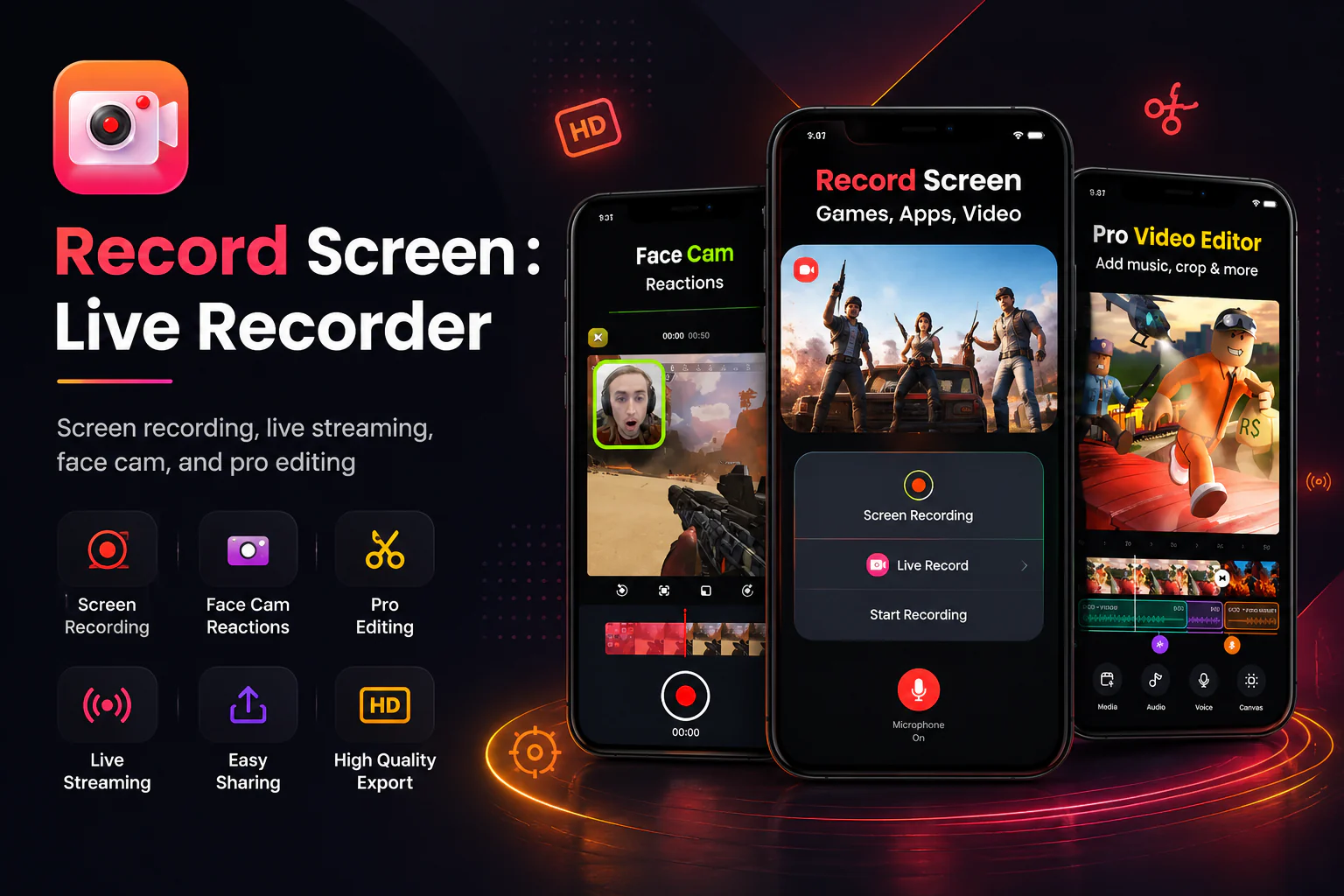
Record Screen : Live Recorder was built for creators who need a simple way to capture their screen, record reactions, edit videos, export content, and share it across platforms.
iCodeLTD built the iOS app from scratch, with a strong focus on the screen recording experience and video editing workflow. The product brought together recording, live streaming, face cam reactions, trimming, splitting, exporting, and sharing inside one mobile-first creator utility.
Unlike a single-purpose recorder, the app needed to support the full creator workflow — from capture to reaction, edit, export, and distribution — while keeping the interface clear enough for everyday users.
Selected visibility metrics and engagement context from approved public and owner-confirmed product data.
downloads
ratings
platform
engagement
App visibility figures reflect public/owner-approved app performance context and should not be read as iCodeLTD-only business outcomes.
Challenges
The app needed to combine recording, streaming, reactions, editing, export, and sharing while keeping the user experience simple for creators.
The app needed to help users capture games, apps, tutorials, and mobile screen activity in a smooth iOS experience.
Creators needed more than a recorder. They needed trimming, splitting, exporting, and sharing workflows inside the same app.
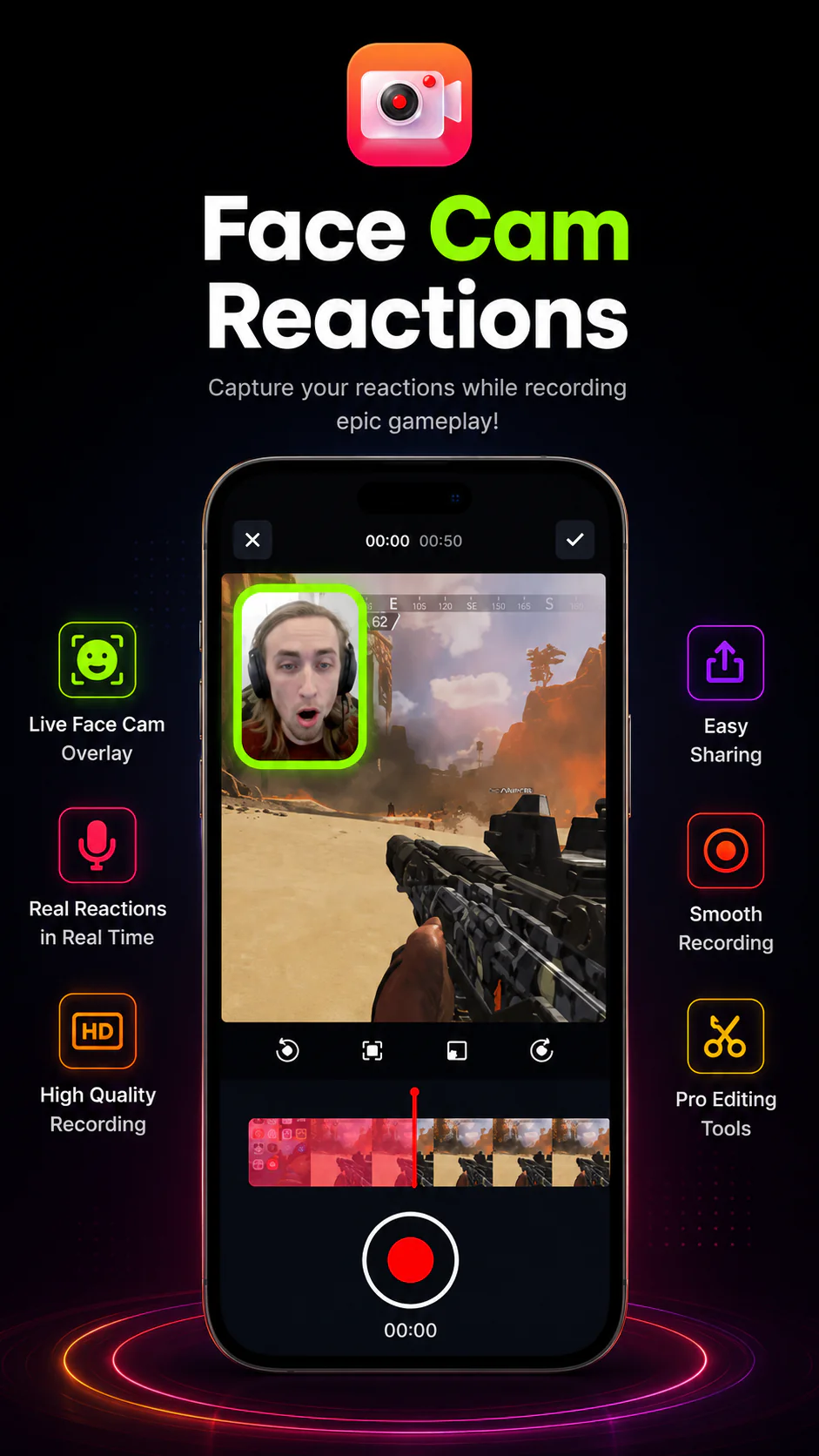
The product had to support creator-style reaction content by combining screen recording with face cam overlays.
Recording, streaming, editing, exporting, and sharing are complex workflows, but the user experience had to remain simple and approachable.
The product needed clear feature storytelling and polished presentation assets for the App Store.
Core product capabilities delivered for the approved engagement scope.
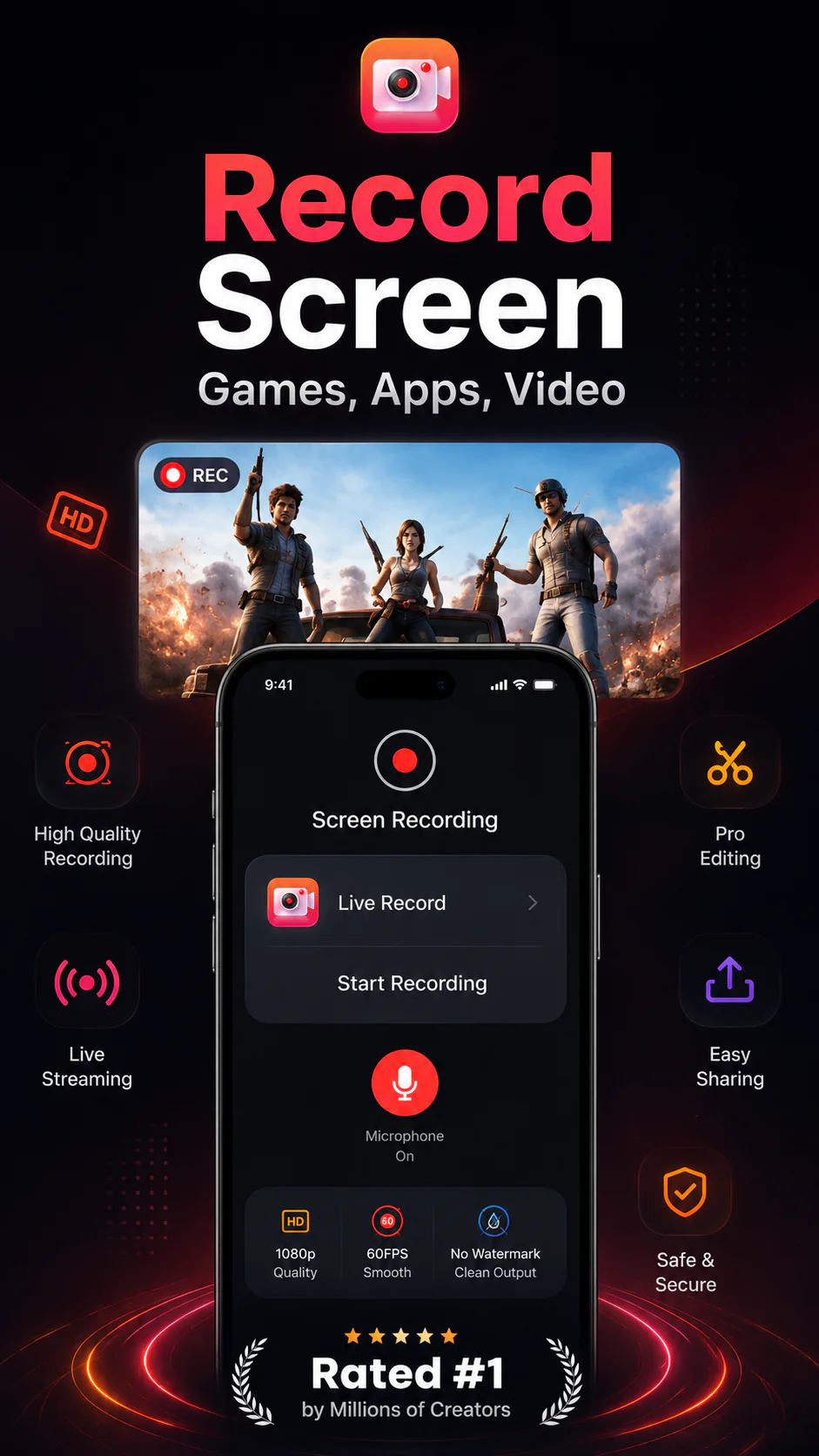
Core iOS recording workflows for apps, games, tutorials, and mobile activity.
Reaction-style content creation by combining on-screen recording with face cam overlays.
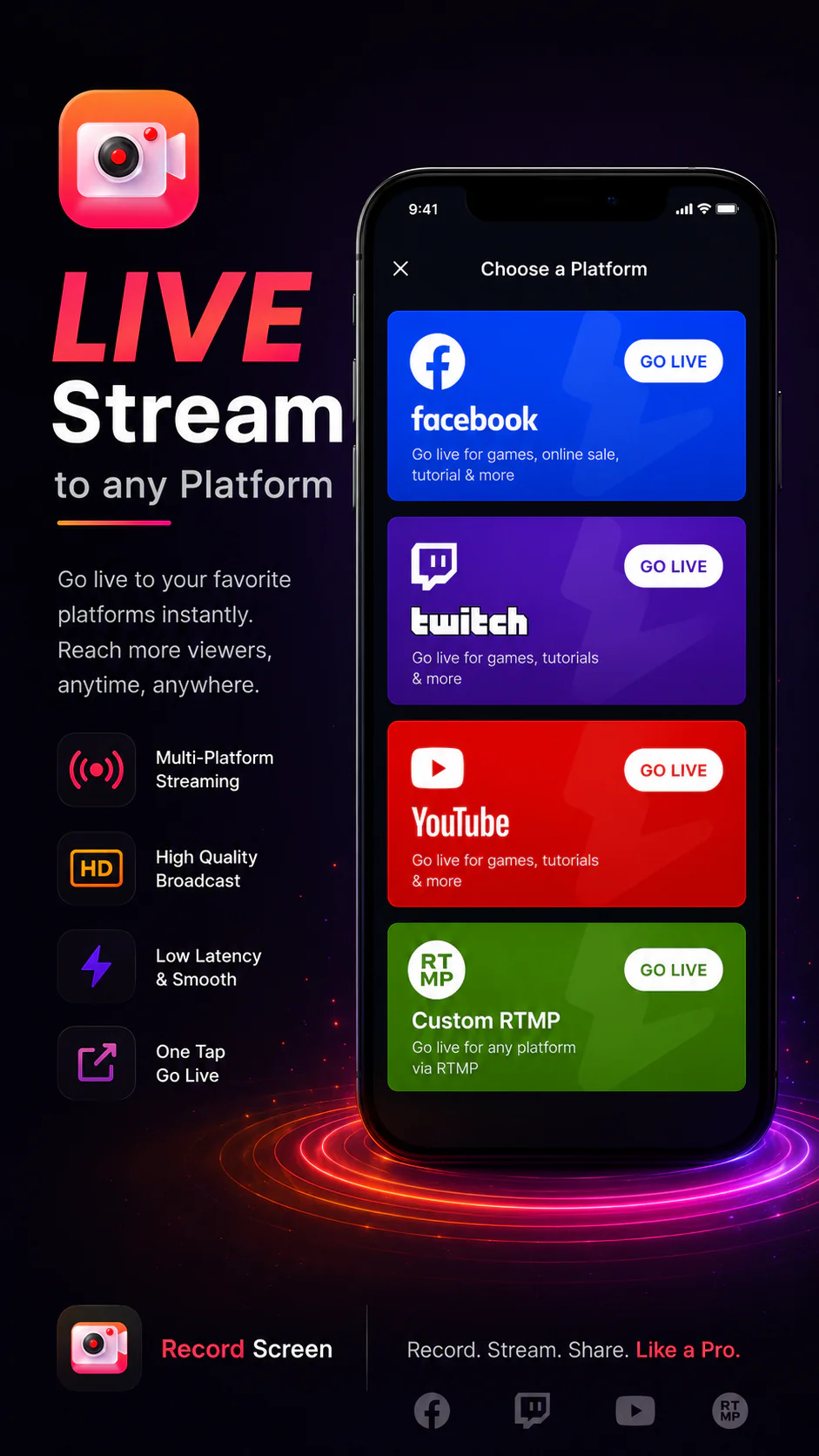
In-app creator workflows for going live directly from mobile recording sessions.
Built-in editing tools to refine captured footage and prepare content before export.
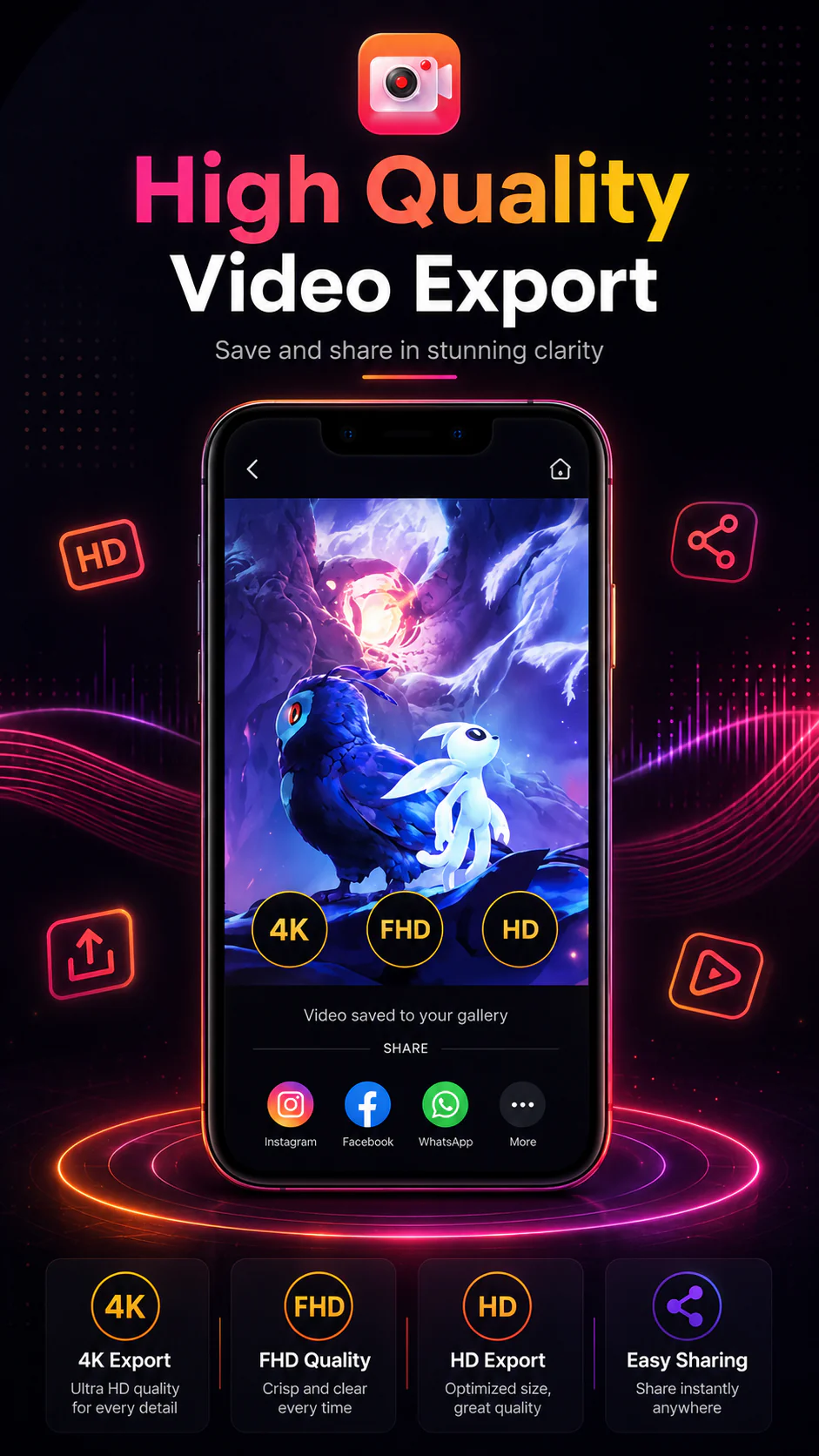
Export and sharing workflows that help creators move from recording to publishing quickly.
Feature-focused App Store visual assets to communicate recording, reactions, editing, and export value.
Workflow diagram
A simple flow view of the core journey from recording through publishing.
Our solutions
iCodeLTD delivered a creator-focused iOS utility from scratch across recording, reactions, live workflows, editing, export, and post-launch improvements.
iCodeLTD built the core iOS recording experience for games, apps, tutorials, and mobile screen activity.
The app supported reaction-style content by combining screen recording with face cam functionality.
Editing features helped users trim, split, refine, and prepare recorded videos before export.
The app supported export and sharing flows so creators could move from recording to publishing with less friction.
Feature-focused promotional assets helped communicate the app's key value areas: recording, streaming, face cam reactions, editing, and export.
Maintenance, bug fixing, and improvements supported the product beyond the initial build.
A structured approach from ecosystem planning through delivery, operations, and ongoing platform improvement.
Mapped the creator journey from recording to editing, exporting, and sharing.
Built the main iOS recording experience and recording interactions.
Added video editing, trim/split, face cam, live streaming, and export workflows.
Supported App Store presentation, bug fixing, maintenance, and product improvements.
Technology stack
Technologies used to deliver Record Screen : Live Recorder's approved mobile product workflows.
Swift
iOS customer app
UIKit
iOS interface framework
AVFoundation
Media capture and processing
ReplayKit
Screen recording and broadcast support
“iCodeLTD built Record Screen : Live Recorder from the ground up, with strong attention to the core screen recording experience, video editing workflow, and App Store-ready product polish. The result was a creator-focused iOS app that brought recording, reactions, editing, export, and sharing into one smooth mobile experience.”

King AI Studio
Client, King AI Studio
Record Screen : Live Recorder launched as a creator-focused iOS utility that combines recording, reaction, editing, export, and sharing workflows in one app experience.
The product reached more than 500K downloads based on approved owner-confirmed performance context.
The app accumulated 417 ratings, reflecting meaningful public app visibility and user engagement context.
App visibility figures reflect public/owner-approved app performance context and should not be read as iCodeLTD-only business outcomes.
Explore the iCodeLTD services that supported this engagement.
Tell us about your goals. We'll help you scope AI, SaaS, web, or mobile work with clear next steps and a practical delivery plan.